


Apple iOS 26.3 Official Guide: Features, Benefits, and Comparison
The release of iOS 26.3 on February 11, 2026, marks a major milestone for the iPhone ecosystem. While the “Liquid Glass” design language introduced in iOS 26 remains the centerpiece, this specific update focuses on cross-platform interoperability and enhanced privacy controls for the next generation of Apple hardware.
Technical Comparison: iOS 26.3 vs. iOS 26.2
Analysts view iOS 26.3 as a “regulatory bridge” update. While 26.2 focused on refining aesthetic animations, 26.3 is designed to satisfy global interoperability demands. Historically, such moves have meant Apple is preparing for stricter global digital market standards.
| Feature | iOS 26.2 (Previous) | iOS 26.3 (Current) | User Impact |
|---|---|---|---|
| Data Migration | iCloud/Move to iOS only | New: Native Transfer to Android | Eases switching between ecosystems. |
| Privacy Modems | Standard location sharing | Limit Precise Location (C1/C1X) | Prevents carriers from street-level tracking. |
| Notification Support | Apple Watch exclusive | Third-Party Forwarding (EU) | Allows alerts on Android smartwatches. |
| Wallpaper Layout | Combined Weather & Astronomy | Split Categories | More granular lock screen customization. |
Key Features & Benefits Breakdown
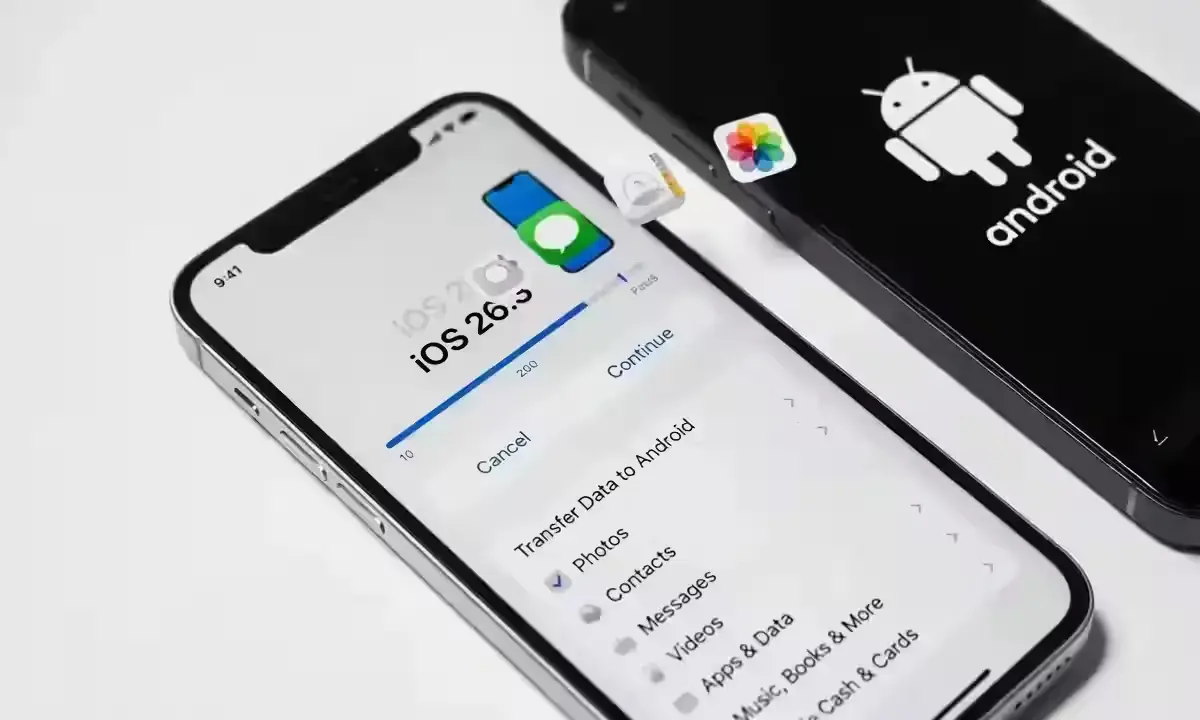
iOS 26.3 provides tangible benefits for security-conscious users and those in mixed-device households. For many, the update size has caused a bit of a sir-dard, but the functional gains are worth the storage sacrifice.
- Wireless Transfer to Android: Found in Settings, this tool uses Wi-Fi and Bluetooth to migrate photos and messages. Benefit: No more third-party apps or cables required to switch platforms.
- Carrier-Level Privacy: Specifically for the iPhone 16e and newer models. Benefit: Forces the cellular network to only see your general neighborhood rather than your exact street address.
- macOS Tahoe 26.3 Sync: Fixes two annoying design problems regarding window resizing. Benefit: Seamless workflow when using Universal Control between your Mac and iPad.
Actionable Next Steps: What to do now?
If you are planning to update, follow these steps to ensure a smooth transition:
- Check Your Storage: Because of the massive 12GB buffer required, delete temporary files or offload unused apps before starting.
- Back-Up via Computer: If your device is low on space, updating via a Mac or PC bypasses the high local storage requirements.
- POV for Switchers: This is the best time to move data if you’ve been eyeing an Android flagship, as the transfer tool is at its most stable.

Frequently Asked Questions
Q: Is iOS 26.3 safe to install on older models like iPhone 11?
A: Yes, it is compatible. However, the modem-specific privacy features perform best on the iPhone 14 Pro and above.
Q: Why is the update size so large?
A: While the patch is ~1.85GB, the system needs roughly 10-12GB of “working room” to unpack the files. Figures may shift once official regional updates arrive.
Disclaimer: Update availability and features like “Limit Precise Location” are dependent on regional carrier support and specific hardware. Under 50 words: Always back up data before updating.
Written by: Pravin Kumar – Gadgets – News Hours18 – https://www.newshours18.com