

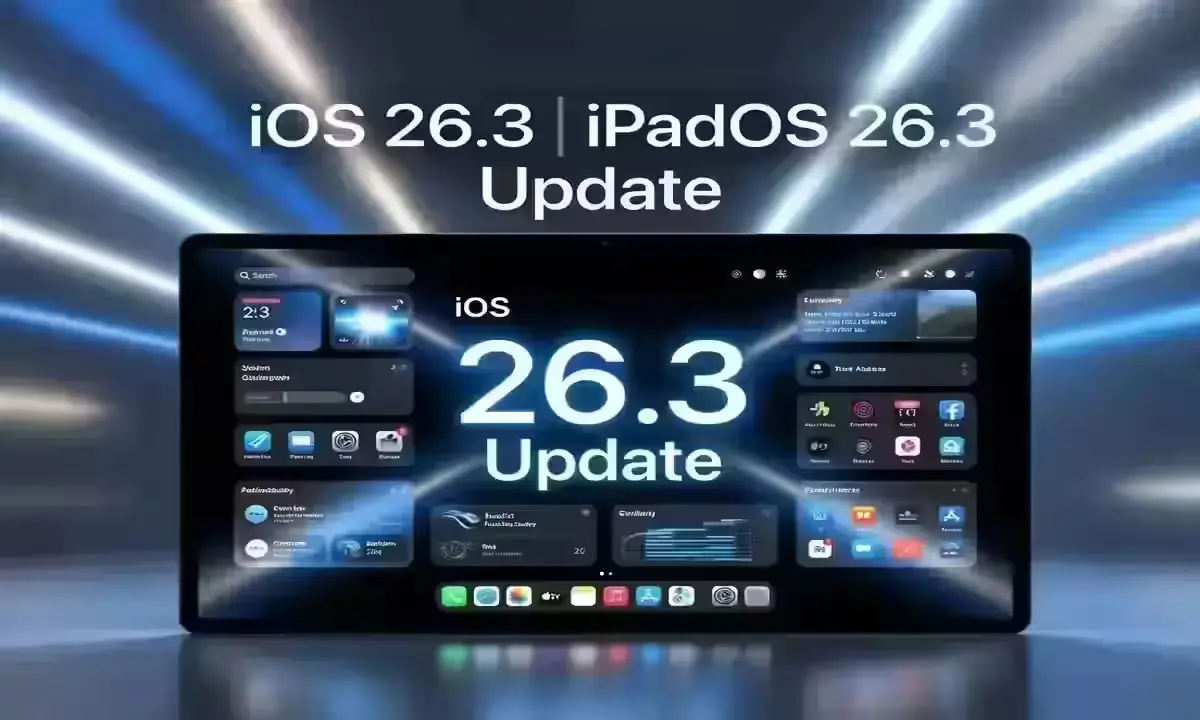
Apple Rolls Out iOS 26.3 with Major Privacy Enhancements
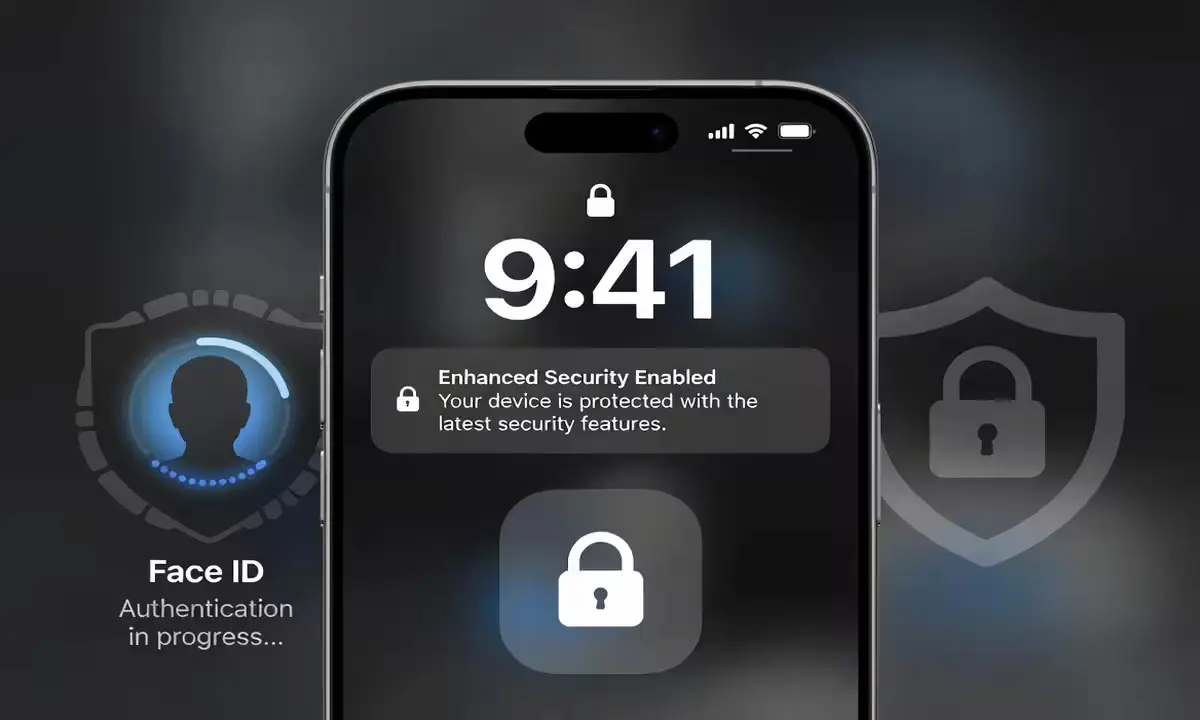
Apple has officially released the iOS 26.3 update for iPhone users, bringing a mix of security refinements and a standout privacy feature that is already generating buzz across the tech community. This update arrives as a critical installation for those looking to stay ahead of potential vulnerabilities while gaining more control over their personal data.
The Core Highlight: Enhanced Privacy Control
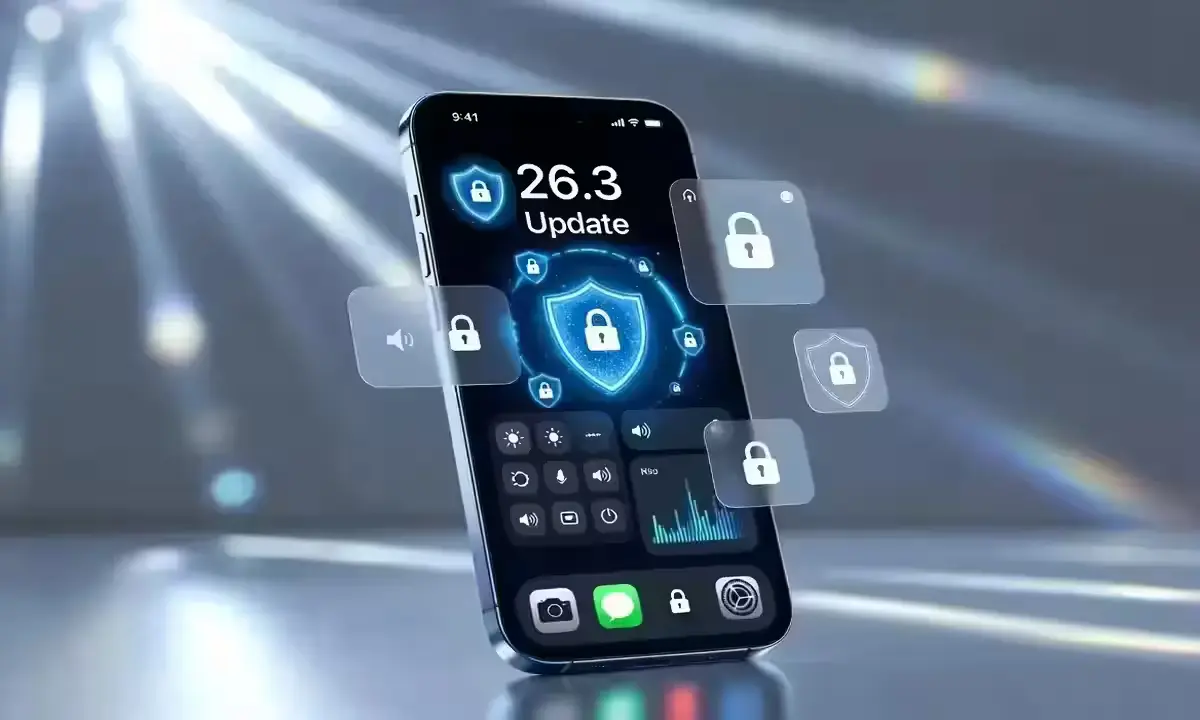
The headline feature of iOS 26.3 is a unique privacy tool that simplifies how users track and revoke data permissions. Apple’s focus remains on transparency, allowing for a more granular look at which apps are accessing sensors or background data. Analysts might read this as a clear move to reinforce Apple’s long-standing strategy of using privacy as a premium differentiator against competitors.
Quick Feature & Specification Breakdown
For those looking for the “tl;dr” on what has changed in this version compared to the initial launch of the iOS 26 series, here is the breakdown:
| Category | iOS 26.3 Update Detail | Impact Level |
|---|---|---|
| Privacy | New Granular Sensor Tracking Tool | High |
| Security | Fixes for Kernel-level Vulnerabilities | Critical |
| Performance | Optimization for Background App Refresh | Moderate |
| Storage | Required space: approx. 1.2GB – 1.8GB | Varies |
| Connectivity | Modem firmware update for 5G stability | Low |
Security Warnings and Essential Fixes
Beyond the new features, security experts have issued a strong recommendation for all eligible iPhone users to update immediately. The release includes patches for several documented vulnerabilities. While specific exploit numbers are detailed in Apple’s official support documentation, the general consensus is that delaying the update could leave devices open to targeted risks. Figures regarding specific battery drain benchmarks may shift once official wide-scale telemetry data arrives in the coming weeks.
- Improved System Stability: General bug fixes aimed at reducing app crashes.
- Refined Interface: Minor UI tweaks to improve the user experience during daily tasks.
- Enhanced Encryption: Strengthening the backend protocols for cloud-synced data.
What This Means for Users Today
For the average user, this update might feel like another routine notification, but the focus on data “sovereignty” is a significant step up from the iOS 25 era. While previous versions focused on aesthetic changes, iOS 26.3 is very much an “under-the-hood” refinement. If you value your digital footprint’s security, skipping this is not an option. Historically, mid-cycle updates like the .3 versions are the most stable, as they iron out the experimental kinks introduced in the initial yearly launch.
POV: The Buyer’s Perspective
If you are holding onto an older iPhone model, this update is a double-edged sword. While it brings the latest security, it also tests the processing power of aging chips. However, the value for money here lies in longevity; Apple continues to support hardware far longer than most Android manufacturers, keeping your “old” phone feeling modern and safe.
Actionable Tip: Always perform a manual backup to iCloud before starting the installation to ensure no data loss occurs during the reboot cycle.
Frequently Asked Questions
Is iOS 26.3 safe for older iPhone models?
Yes, it is designed to be compatible with all devices that currently run iOS 26. However, older hardware might see a slight increase in indexing time immediately after installation.
Does this update include any new emojis?
Current reporting does not indicate new emojis in this specific version; the focus is primarily on security and privacy infrastructure.
Why is there a warning issued for this update?
The warning from experts is not because the update is “dangerous,” but because the security flaws it fixes are serious enough that staying on an older version is a risk.
Disclaimer: This information is based on current technical reports and Apple’s official release notes. System behavior and performance metrics may vary depending on device health and individual settings. Under 50 words.
Written by: Pravin Kumar – Gadgets – News Hours18 – https://www.newshours18.com